 Gray Hole
Pin Gray Hole
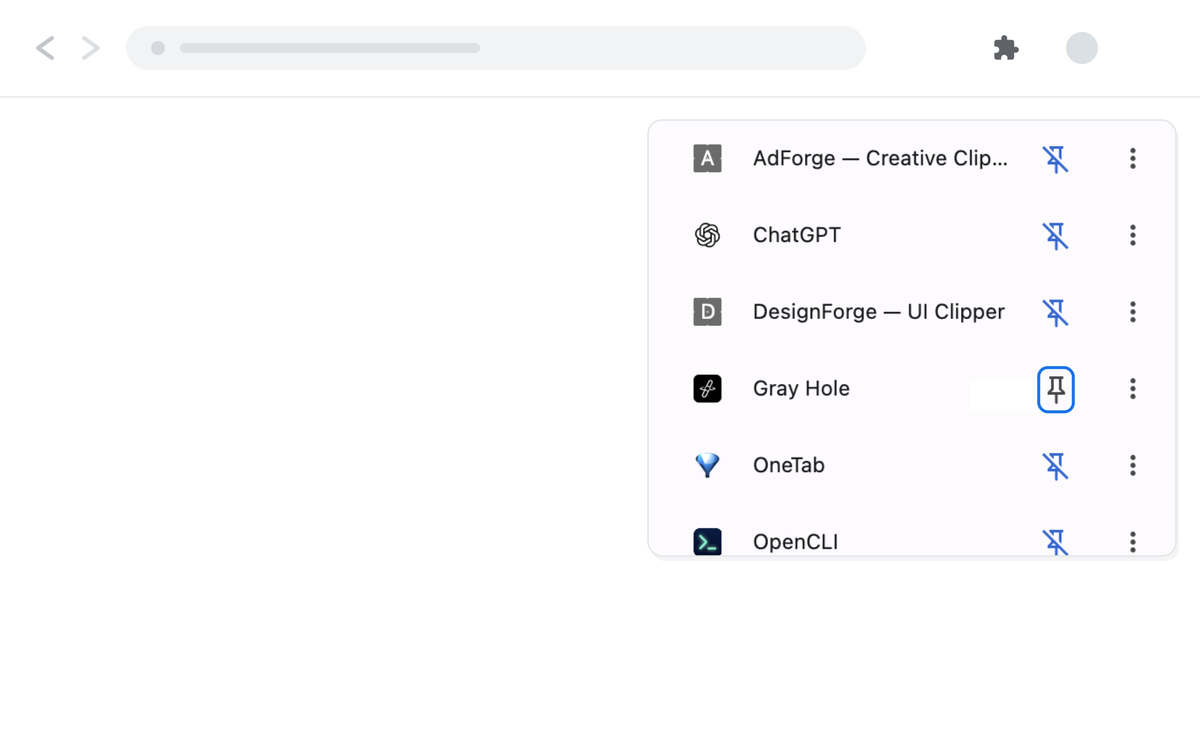
Click the puzzle icon in Chrome's toolbar and pin Gray Hole.
The screenshot is Chrome in English; the puzzle and pin icons are in the same place in every language. Pinning is recommended, not required for saving.
Gray Hole works in desktop Chrome 116+ — no account needed.
Opens the official Chrome Web Store in a new tab.
In Chrome Web Store review right now. The "Add to Chrome" button lands here once it clears — want a heads-up? Write to me.
Click the puzzle icon in Chrome's toolbar and pin Gray Hole.
The screenshot is Chrome in English; the puzzle and pin icons are in the same place in every language. Pinning is recommended, not required for saving.
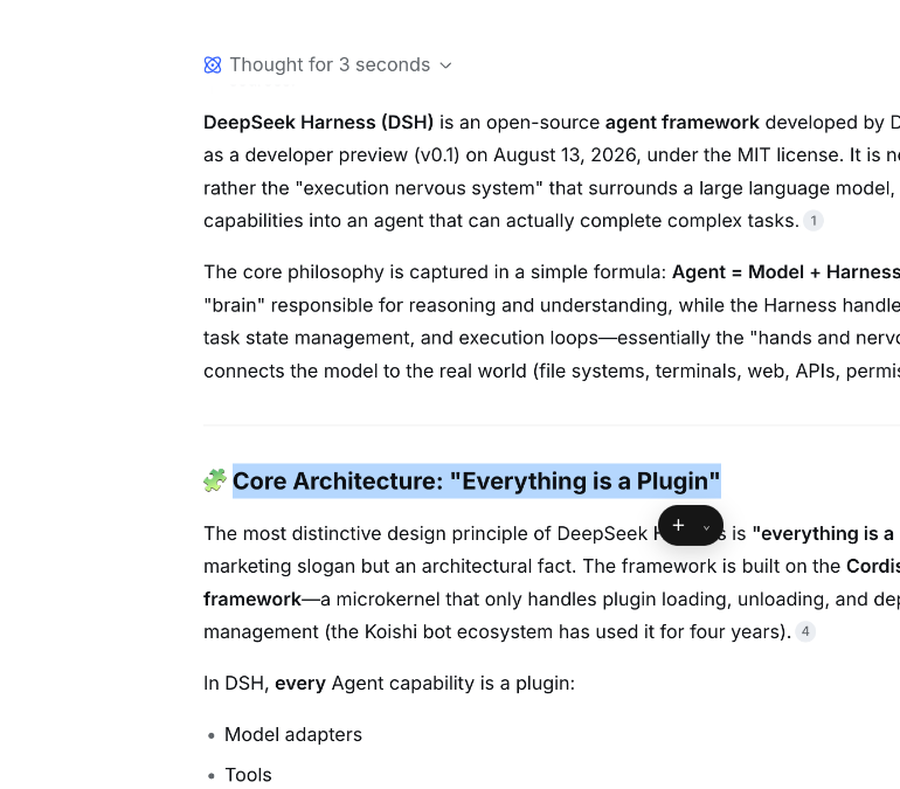
Select a passage and click + on the floating bar.
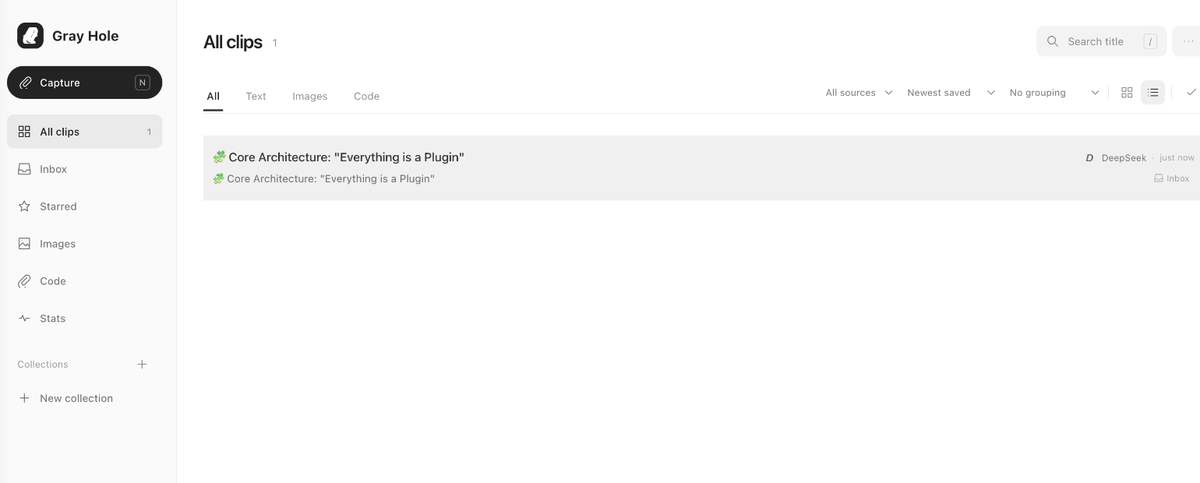
Open a clip to edit, copy, or export it.
Only at the moment you select something does Gray Hole read that passage — no background scraping. The item-by-item list is in Permissions & network.